WilDi Maps
Reach members near your business.
Send your specials to app members in the areas you choose. When a member taps the WilDi button, they earn a share of what you spend.
Explore Maps →Location-based advertising
Businesses send local specials to people nearby who use the free WilDi Maps app. Members earn a share of the ad spend when they tap the WilDi button on a message.
Earnings vary, are usually small, and are not guaranteed.
Golf and Events are available nationwide. WilDi Maps started in Jacksonville, where most members are today. Maps businesses can target any area, and messages go to members in that area.
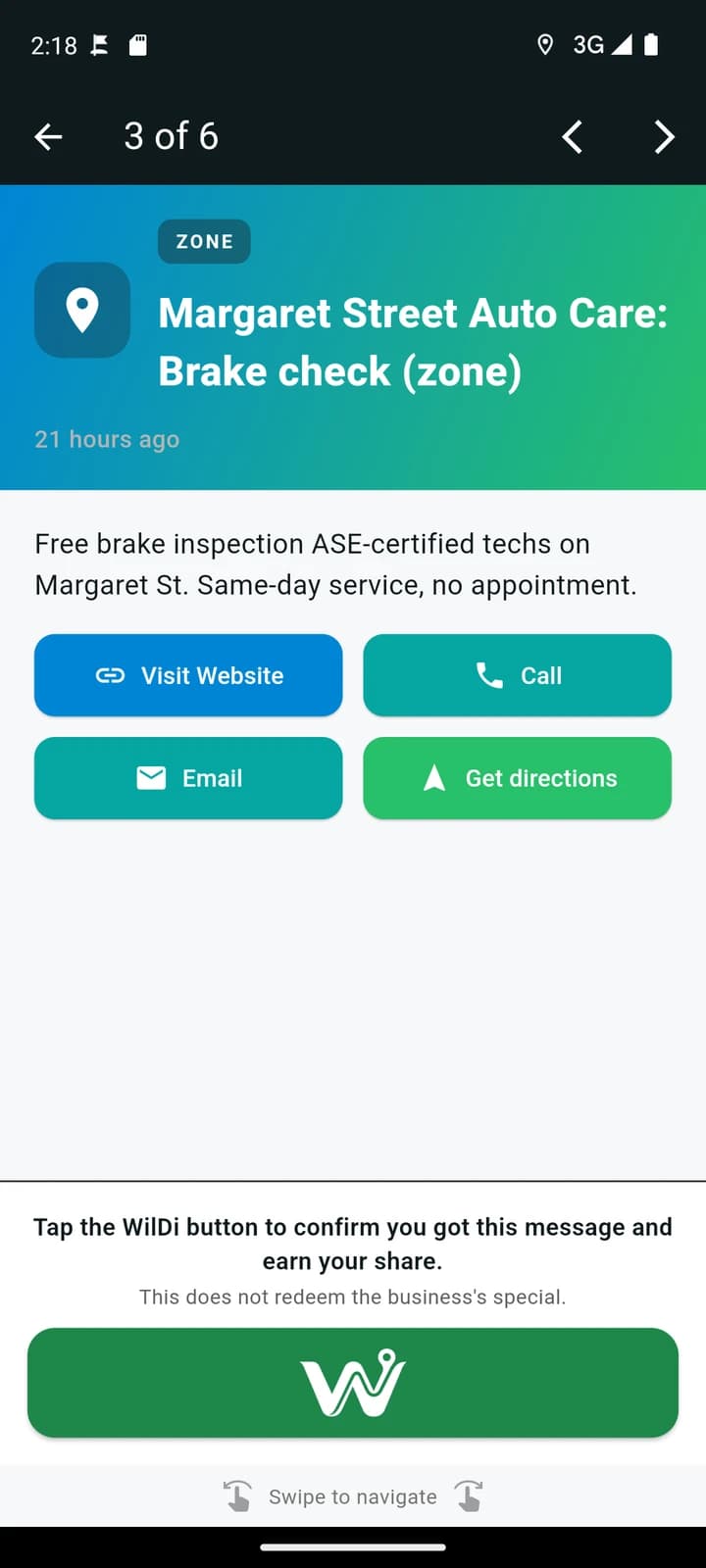
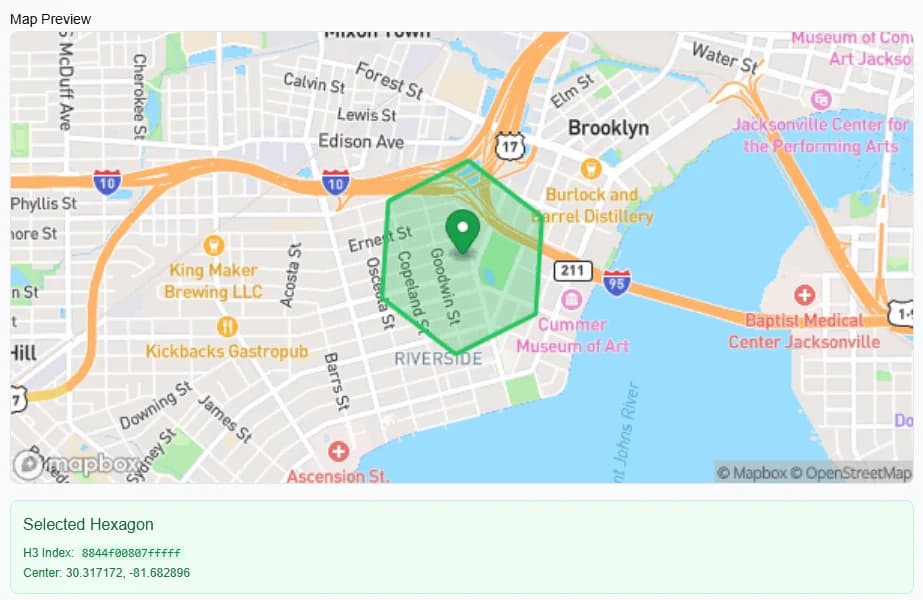
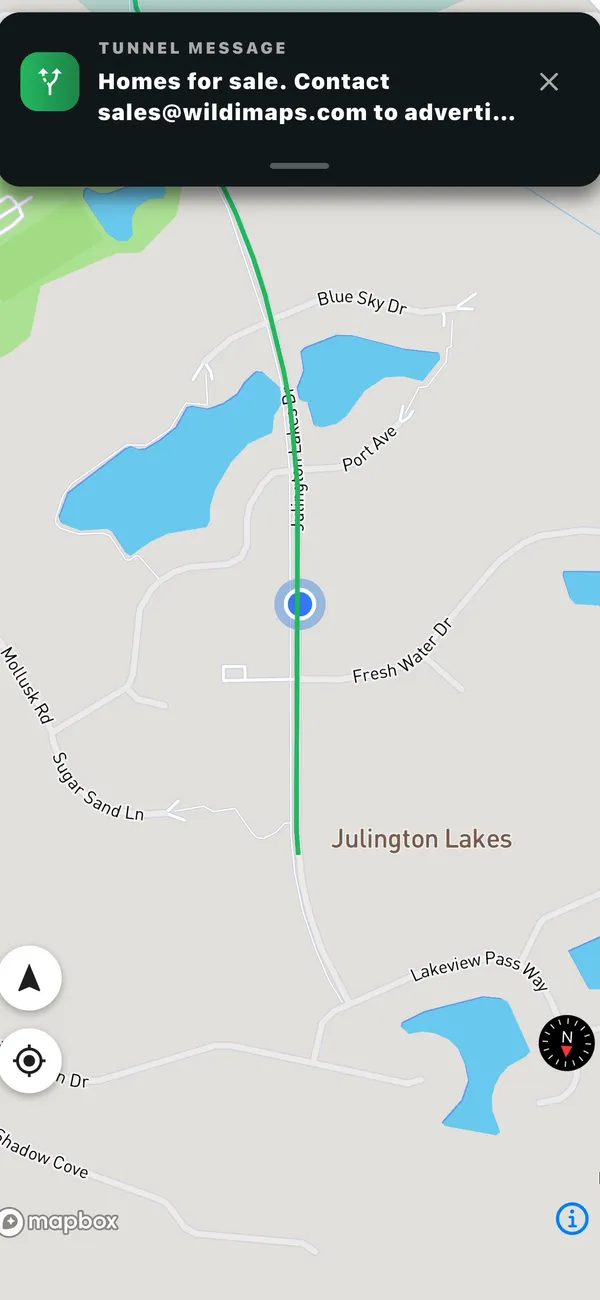
Business picks an area a member there gets the message member taps the WilDi button business pays, member earns.
Real WilDi interface. Demonstration campaign.

Mike helped build a prior technology business from $0 to $1.3B+ in annual revenue.

Timm combines software-company operations with F-35 evaluator/instructor experience.
How it works
Pick an area, write your message, and set a budget.
Members have the free WilDi Maps app and opted in to sponsor messages. When a member is in your campaign area, they get your message.
When it's safe, the member taps the WilDi button. The business is charged, and the member earns their share.
Acknowledging a message does not redeem the special or confirm a visit or purchase. Members must not interact with the app while driving.

Example: the member taps the WilDi button, the business pays, and the member’s share is added to their earnings.
A local business picks the area it wants to reach and writes a special.
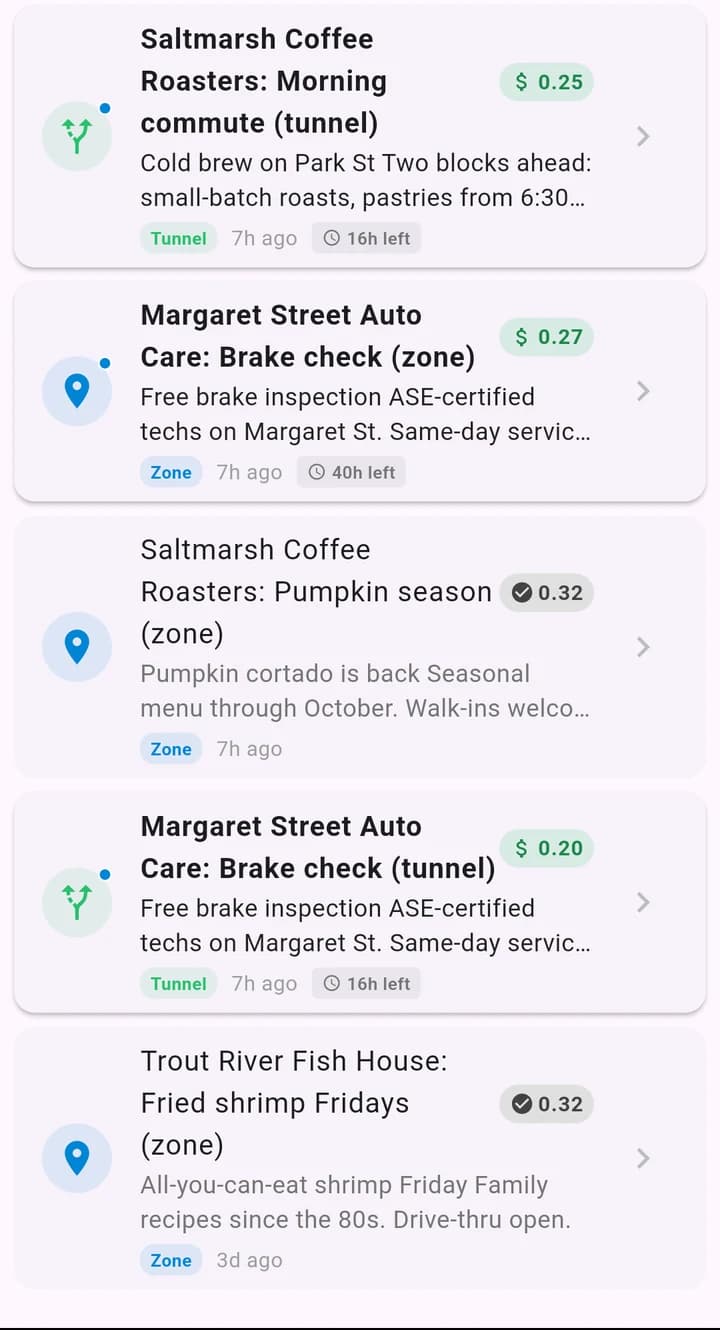
Members of WilDi who are nearby get the message in the app.
If it’s relevant, they tap the WilDi button to acknowledge it.
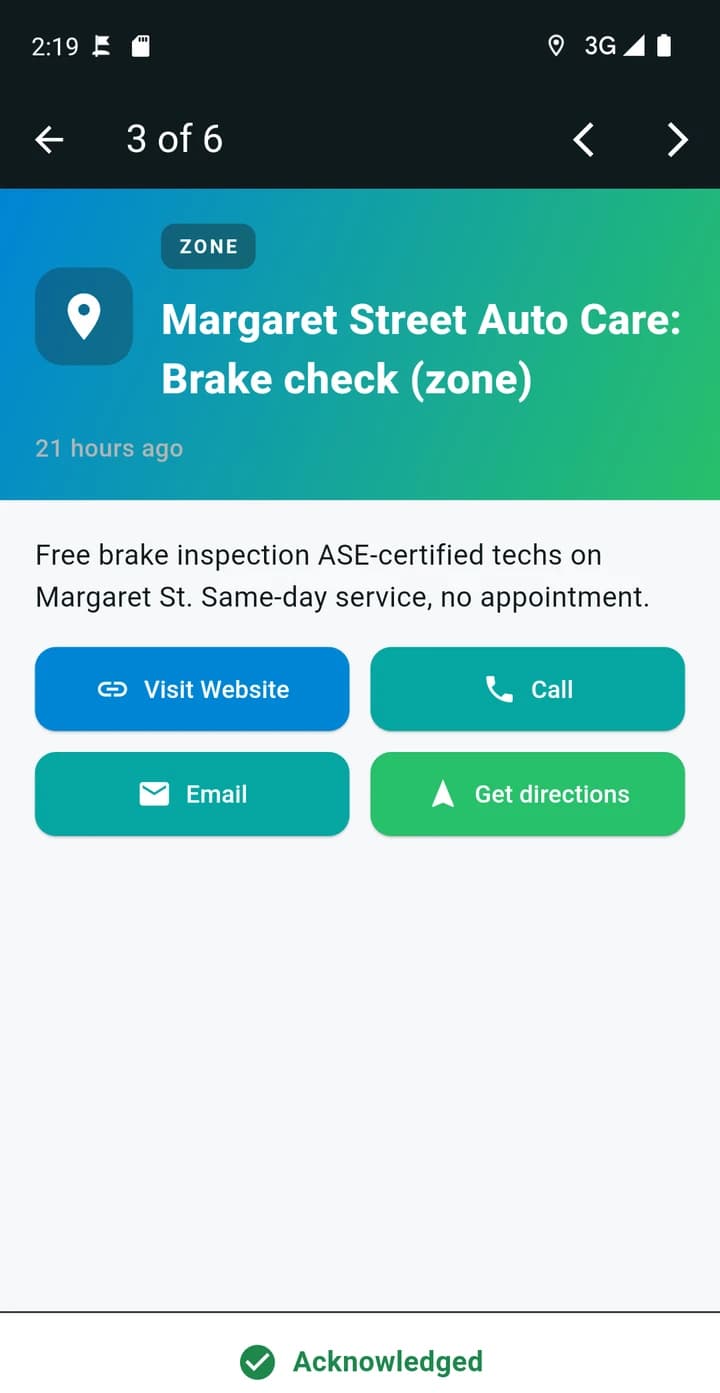
The app confirms it, and the member earns a share of the ad spend.
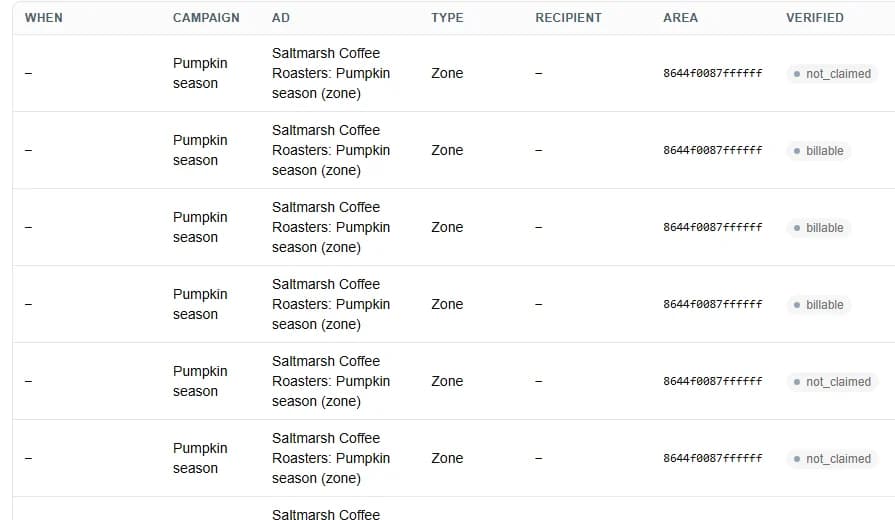
The business sees every qualifying acknowledgment it paid for.
24 seconds, five real screens
Acknowledging does not redeem the special. A later visit is measured separately.
Real WilDi interface. Demonstration campaign. Five still screens, not a real-time recording. Demo account. AI-generated voice.
0:00 A local business picks the area it wants to reach and writes a special.
Screen: The WilDi business dashboard: choosing a campaign area on a map of Jacksonville.
0:05 Members of WilDi who are nearby get the message in the app.
Screen: The WilDi member app inbox: nearby messages from demo businesses, each showing the member's share.
0:10 If it’s relevant, they tap the WilDi button to acknowledge it.
Screen: The WilDi member app: a demo auto shop's message with the WilDi button, a green button showing the white WilDi logo, under the line "Tap the WilDi button to confirm you got this message and earn your share" and "This does not redeem the business's special".
0:14 The app confirms it, and the member earns a share of the ad spend.
Screen: The WilDi member app right after tapping the WilDi button: the message now shows Acknowledged.
0:19 The business sees every qualifying acknowledgment it paid for.
Screen: The WilDi business report: each message listed as billable once acknowledged, or not billed.
The free WilDi Maps app shows members specials near them and keeps track of what they earn. Businesses set up their ads on this website. Members see them in the app.
Earnings depend on available campaigns and eligibility. They are not guaranteed.
See the app →Reach members near your business.
Send your specials to app members in the areas you choose. When a member taps the WilDi button, they earn a share of what you spend.
Explore Maps →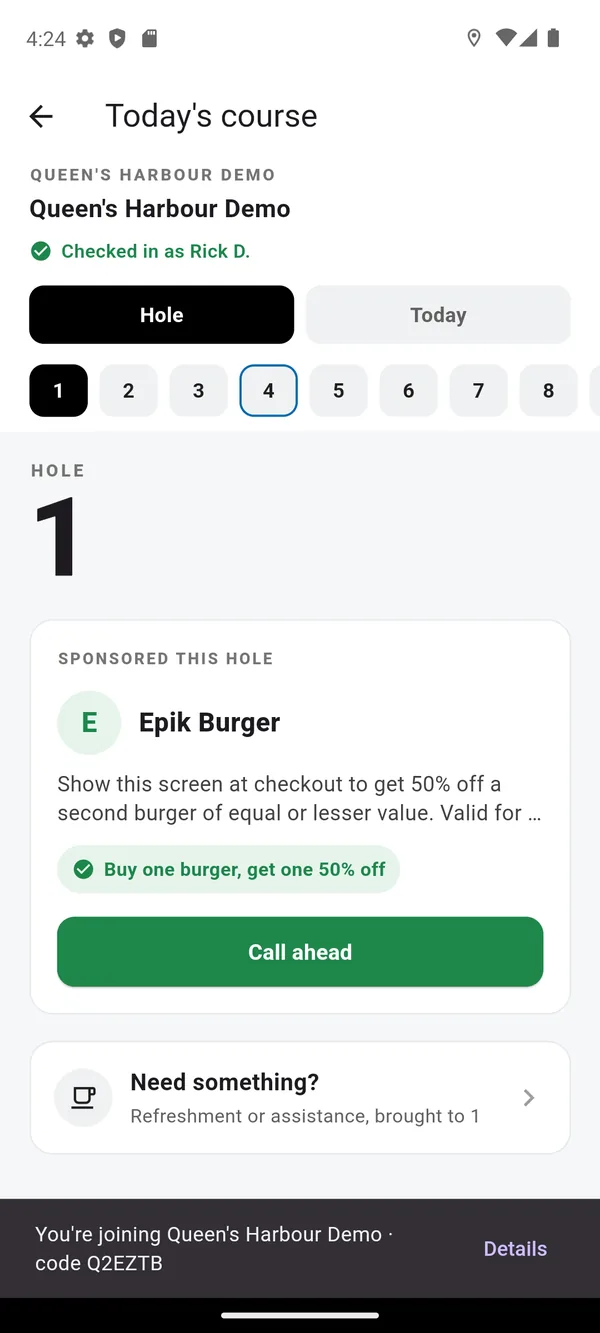
Put sponsors into the round.
Courses share sponsor messages at mapped course locations. Golfers get the course map, scorecard and on-course requests in the app. Sponsors pay the course; the course pays WilDi.
Explore Golf →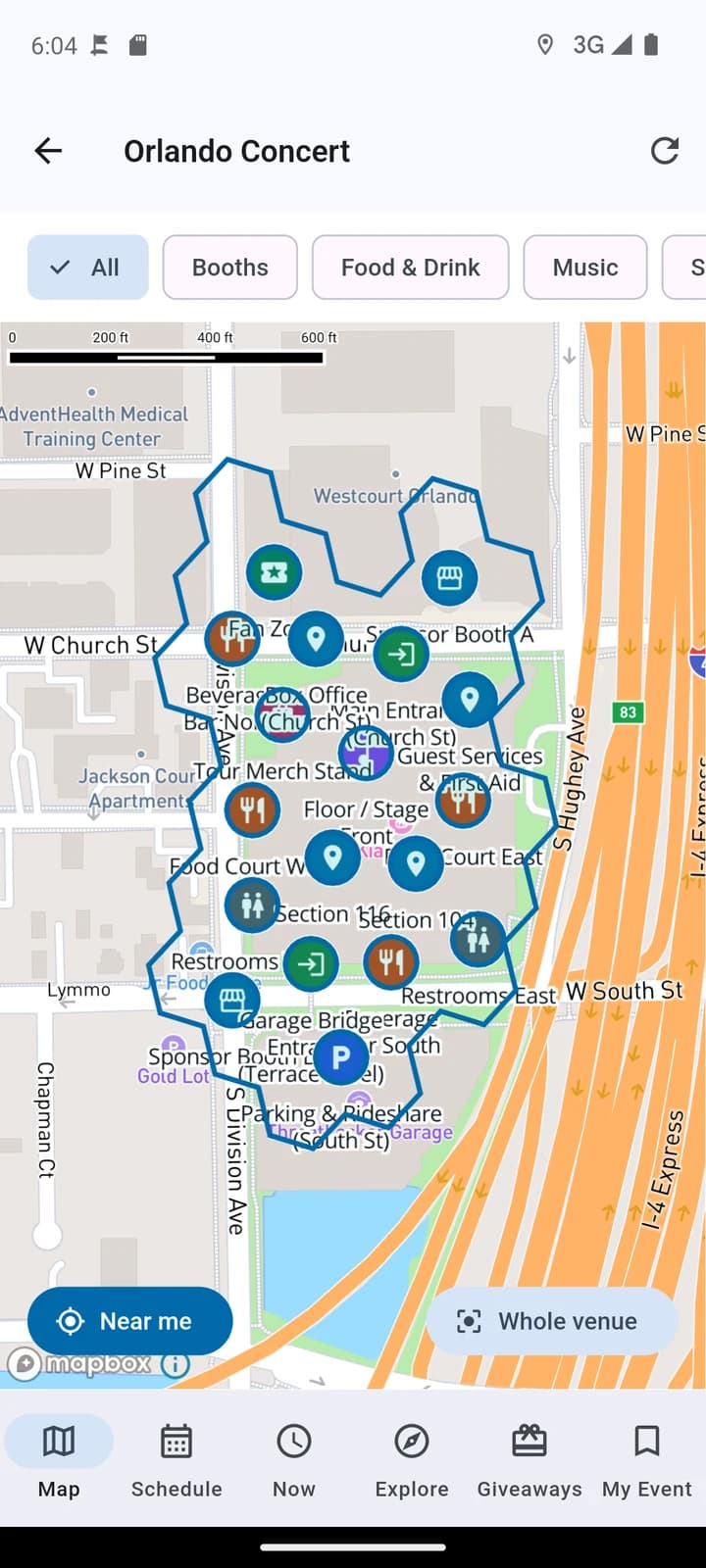
Make sponsors part of the experience.
Organizers share sponsor messages and event information at mapped outdoor locations. Attendees get the event map and event updates in the app. Sponsors pay the organizer; the organizer pays WilDi.
Explore Events →Maps earnings are separate from Golf and Events sponsor interactions.
People who find WilDi at a course or event can keep using the app around town. Sponsors who want to keep reaching them afterward need their own Maps campaign.
See how many members got your message, how many tapped the WilDi button, and what you were charged. Where available, we also report later visits to your business. A visit alone doesn’t prove a purchase.
How we define and report campaign activity →Co-Founder & CEO
More than two decades in technology sales, partnerships, and commercialization. Helped build a prior global technology business from zero to more than $1.3 billion in annual revenue. Leads WilDi’s strategy and growth.
Co-Founder & CTO
Former software-company COO and F-35 evaluator/instructor. Combines software operations with complex systems experience. Leads WilDi’s product and engineering.
Members using the WilDi Maps app who are in your campaign area. Not everyone who walks or drives by. How many you reach depends on how many members are in that area.
Members earn a share of the ad spend when they tap the WilDi button on a Maps message that meets the campaign rules. Golf and Events sponsor messages don't pay members.
No. The WilDi button confirms you received the message. Using the special is separate and follows the business's own terms. In older app versions the button says Claim or Got it.
Reach app members near your business, or get the free app to see specials around you.